
Overview
One home for every agent. Each AI coding agent keeps its skills and settings in its own folder. HarnessKit shows all of them in one window: skills, MCP servers, plugins, hooks and CLIs, for every agent. One click adds a skill or MCP server to another agent. A security audit runs on your computer and gives each extension a trust score. Kits save skills, MCP servers and rules as a set you add to a project in one step. HarnessKit is free and open source, and runs as a desktop app, in the terminal, or in a browser.
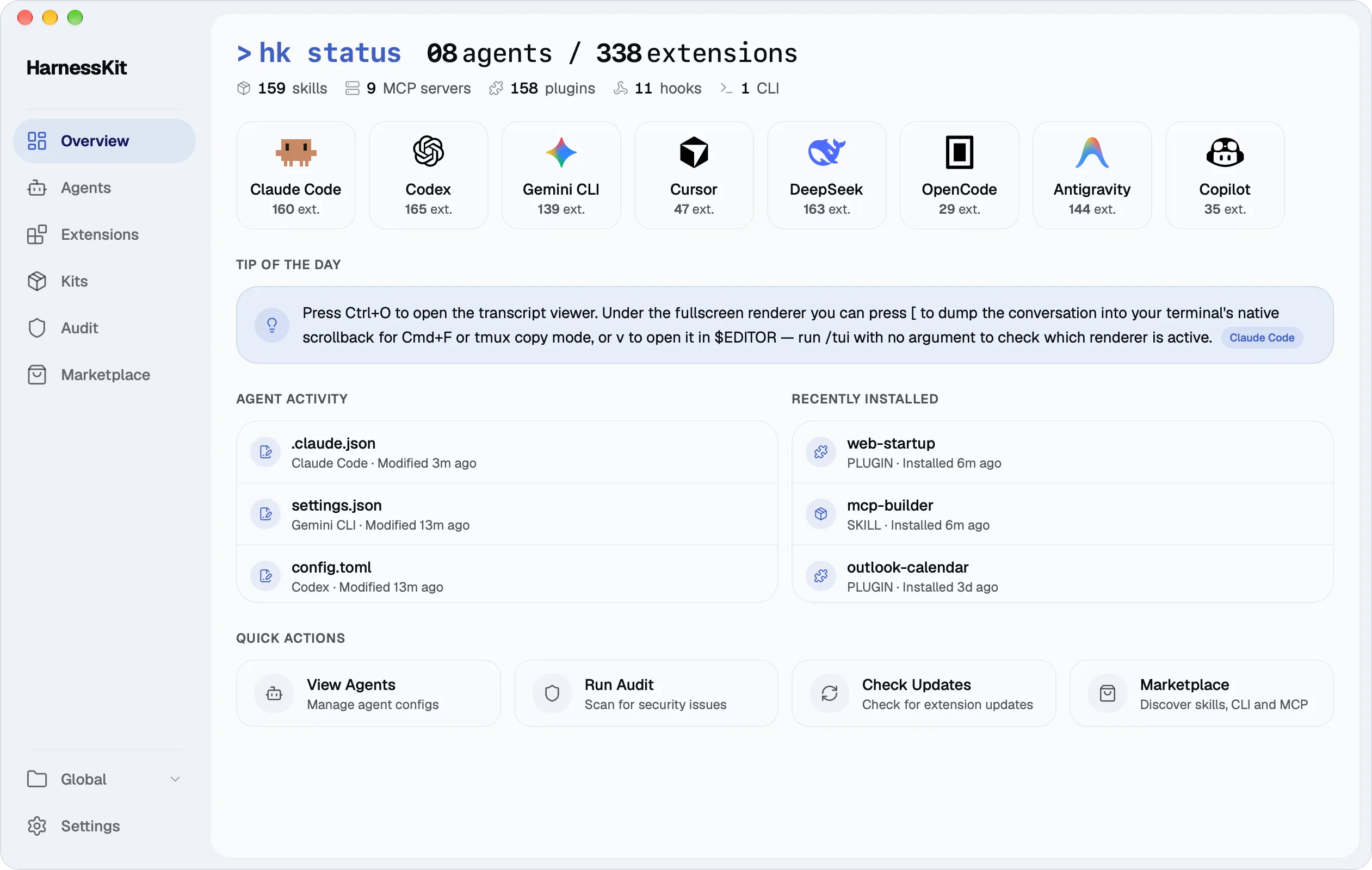
Get started Install the desktop app, or the CLI and web UI.
Your first ten minutes What the Overview shows, an audit, and a skill installed to a second agent.
Guides Extensions, agents, scopes, Kits, the audit, the Marketplace and settings.
How it works What HarnessKit reads and writes, and why.
Reference Every agent's folders and config files, and every hk command.
FAQ Common questions about HarnessKit, its data, and where it runs.